 Elena Papadakis
Editor-in-Chief
Apple Headphone Coupon Checks Before Checkout
First, Confirm: Does Current Evidence Prove a Headphone Discount? When checking coupons, you can't just look at the product page showing a "promotion" or the checkout page displaying a coupon entry. You must simultaneously confirm the product model, bundle composition, coupon rules, and final amount due. The currently verifiable product material is not an Apple headphone page, but a QC page for an Apple Watch black sport band on Fashionreps. The item shown on that
Updated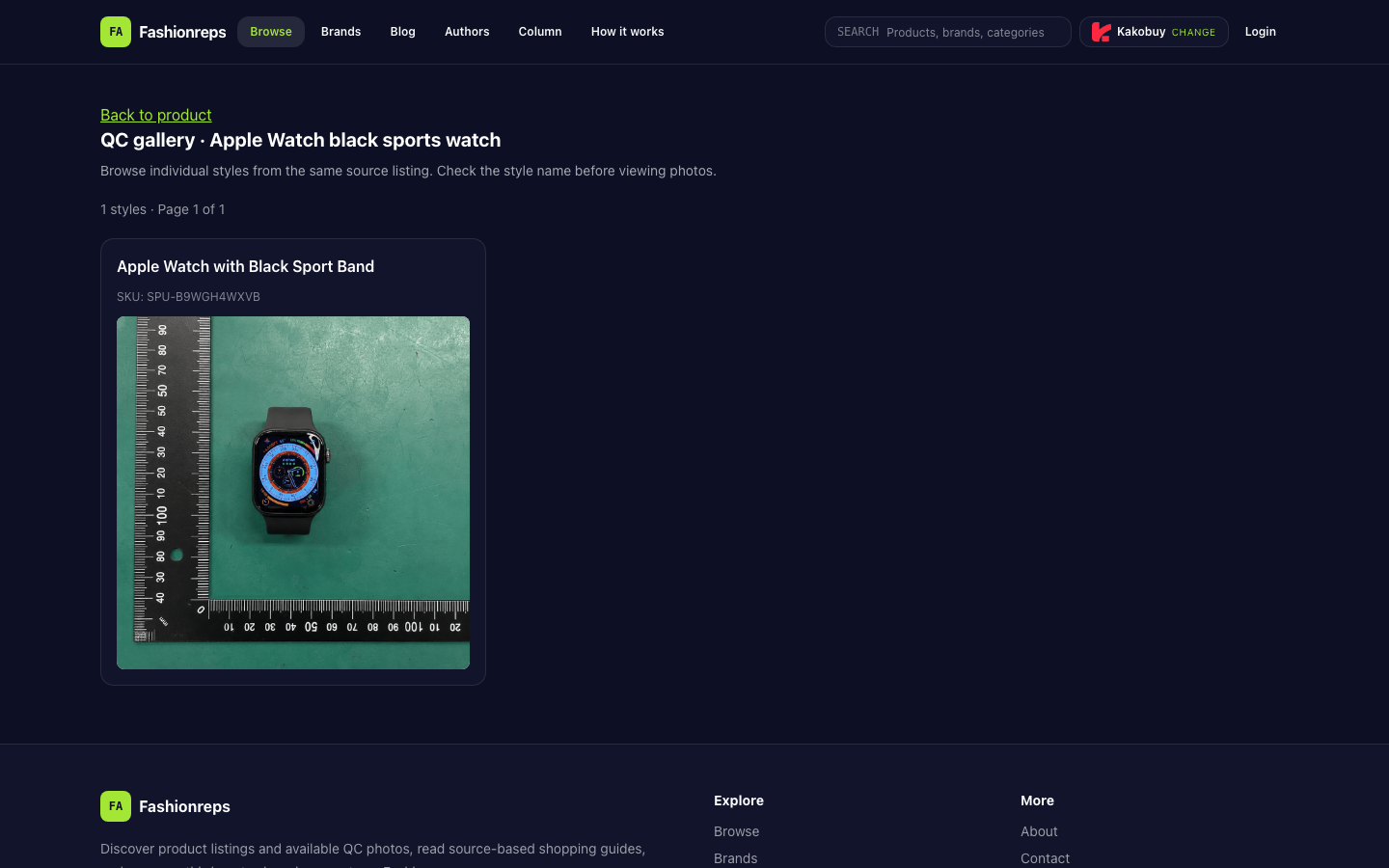
First, Confirm: Does Current Evidence Prove a Headphone Discount?
When checking coupons, you can't just look at the product page showing a "promotion" or the checkout page displaying a coupon entry. You must simultaneously confirm the product model, bundle composition, coupon rules, and final amount due.
The currently verifiable product material is not an Apple headphone page, but a QC page for an Apple Watch black sport band on Fashionreps. The item shown on that page is "Apple Watch with Black Sport Band," SKU SPU-B9WGH4WXVB. Therefore, this material cannot prove that any Apple headphone model can use a coupon, nor can it prove that a particular headphone bundle has already been discounted.

Step 1: Record the Product Itself
Before checking for discounts, first note down the information on the current product page:
- Product name and specific model
- Color, capacity, or other variants
- Whether the bundle includes a charging case, accessories, or combo items
- Original price and current selling price shown on the product page
- Where the coupon entry appears
- Time of inquiry
Different models in the same series may correspond to different product codes or promotional conditions. Just seeing the category "Apple headphones" does not directly infer that the coupon applies to all models.
Step 2: Check Coupon Conditions Item by Item
Open the coupon details or activity rules and check in the following order:
- Does it explicitly include the current product category.
- Does it list applicable models, SKUs, or specified variants.
- Does it exclude bundles, combos, special-priced items, or certain colors.
- Does it require a minimum spending amount.
- Does it restrict currency, region, or payment method.
- Does it specify start and end times.
- Does it allow stacking with product discounts, store promotions, or other coupons.
- Does it require manually entering a coupon code, or must it be claimed from a designated entry.
If the rules only say "some products apply" without listing the current model or a verifiable scope of application, treat it as unconfirmed rather than defaulting to available.
Model and Bundle Must Be Judged Separately
A model being eligible does not mean the bundle is eligible. The coupon rules may target a single product code, while the bundle uses a different code; or they may require a single item amount to reach a threshold, but the bundle is classified as excluded.
You can use the following record-keeping method to avoid confusion:
| Item to Check | What to Confirm | Handling When Unconfirmed |
|---|---|---|
| Model | Whether the product page model or SKU appears in the rules | Do not include the discount in your budget |
| Variant | Whether colors, capacities, etc. are restricted | Go back to the specific variant and retest |
| Bundle | Whether the bundle code and composition meet the conditions | Re-check as an independent item |
| Checkout | Whether the discount actually reduces the amount due | Refer to the final checkout amount |
Step 3: Verify Actual Deduction at Checkout
A coupon being "claimable" or "selected" does not mean it has taken effect. Before submitting the order, check the original price, discount amount, and final amount due in the checkout summary.
It is advisable to keep the following evidence:
- Screenshots of product name, model, and bundle composition
- Screenshots of coupon details and applicable conditions
- Screenshots of coupon code or entry
- Screenshot of the amount after applying the coupon at checkout
- Screenshots of any error messages or reasons for ineligibility shown on the page
If the coupon entry exists but the checkout page does not separately list a discount amount, or the final amount due remains unchanged, you cannot consider this coupon as having been applied.
How to Inquire When There Is No Real-Time Coupon Code
If the page does not provide a verifiable coupon code or complete rules, you can send the following inquiry to customer service about the specific product:
"Please confirm that the product model is [model or SKU], color is [color], and bundle contents are [bundle composition]. Does the current coupon [coupon name or code] apply to this product? Are there any minimum amount, model exclusions, validity period, or non-stacking conditions? If applicable, how much discount will the checkout page finally show?"
If customer service only replies "usually yes" or "subject to the page," it still cannot be considered confirmation. It is best to ask them to explicitly answer whether the current model and bundle are eligible.
When Not to Include the Coupon in Your Budget
If any of the following situations occur, calculate your budget as if the coupon is not used:
- There is no verifiable coupon code or activity rules.
- The rules do not explicitly cover the current model.
- The current item is a bundle, but the rules only state single items apply.
- The coupon has expired or its validity cannot be confirmed.
- The checkout page does not show a discount amount.
- The amount due is the same as without the coupon.
- The page indicates the coupon is not valid for the current product, variant, or region.
The only final criterion is: the current model or bundle meets verifiable coupon conditions, and the checkout page actually reduces the amount due. The current material can only confirm the QC information of an Apple Watch product, not the applicable scope or actual deduction of an Apple headphone coupon.